
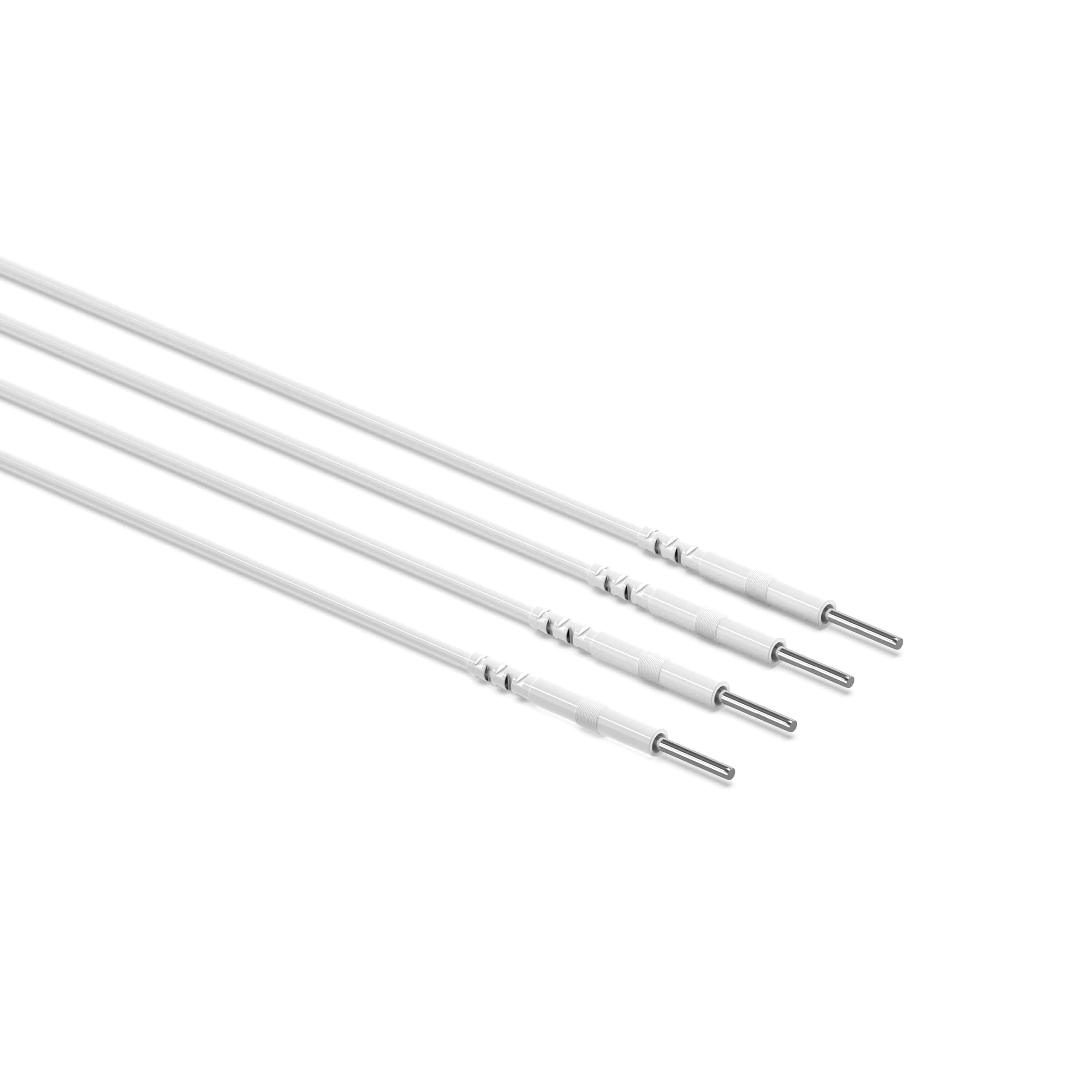
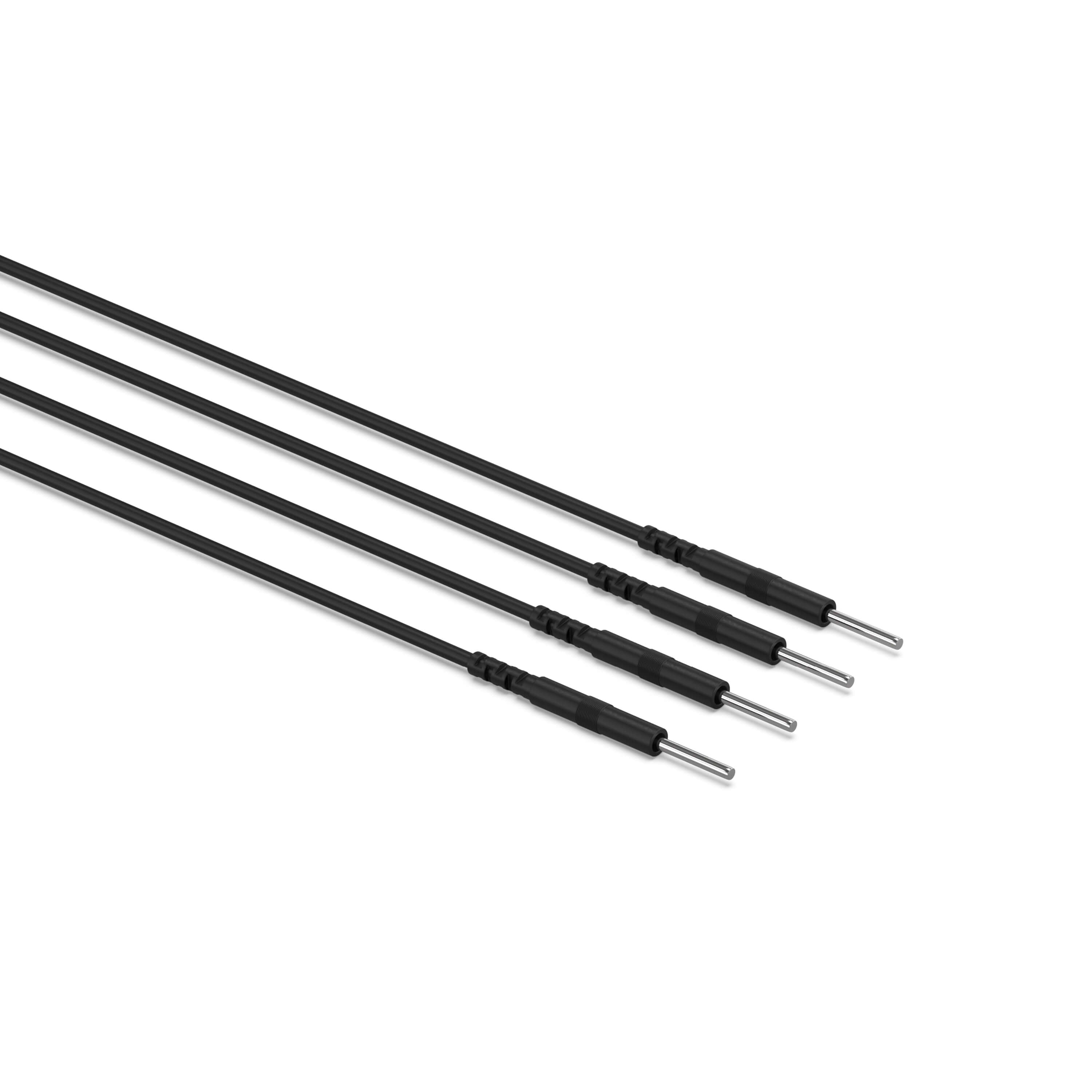

KONGZEE 2-Pack TENS Unit Lead Wires | Standard 2mm Pin Cables
Subscribe for a 5% Exclusive Discount!
Description
These KONGZEE TENS unit lead wires come as a set of two replacement cables for compatible TENS and EMS devices. Each cable connects the device to electrode pads with a standard 2mm pin connection at the pad end. The 2mm specification does not identify the device-side plug size. Compare both ends of your current cable and check your device manual before ordering.
What's Included
- Quantity: 2 replacement lead wires
- Pad connection: Standard 2mm pin
- Use: Compatible TENS and EMS devices with matching device-side ports
- Colors: White, black or red options
TENS Lead Wire Compatibility Checklist
| Check | What to Confirm |
|---|---|
| Pad-side connector | Standard 2mm pin or pigtail electrode connection |
| Device-side plug | Same plug shape and size as the existing lead wire |
| Channels | Two cables can equip a compatible dual-channel unit |
| Not compatible with | Snap-only pads, proprietary plugs or differently sized connectors |
A 2mm pad connector does not guarantee that the device-side plug will fit every TENS unit. Compare the complete cable rather than relying on the brand name alone.
How to Choose Replacement TENS Lead Wires
- Check the device end. Match the replacement cable to the output port specified in your device manual. Compare the plug shape and size with your original cable; a similar-looking plug is not enough to confirm compatibility.
- Check the electrode pad end. These cables use 2mm pins. Confirm that your electrode pads accept 2mm pins rather than snap connectors or another connector size.
- Confirm before ordering if unsure. Send your device model and clear photos of both ends of your existing cable through KONGZEE manual and support. Do not force a connector into a port that does not fit.
When to Inspect or Replace a TENS Cable
- One channel works only intermittently.
- The cable jacket is cracked, kinked, split or frayed.
- A connector is bent, loose or damaged.
- Stimulation remains uneven after the pads and connections have been checked.
Intermittent output can also come from a loose connection, worn electrode pad, low battery or device fault. Do not assume that the wire is always the cause.
Safe Lead Wire Troubleshooting
- Switch the TENS or EMS unit off and return both channel intensities to zero.
- Inspect the cable, connectors and electrode pads for visible damage.
- Reconnect every plug firmly while the device remains off.
- Apply intact pads evenly to clean, dry skin according to the manual.
- Restart at the lowest intensity. If the problem continues, switch the unit off before swapping a known-good compatible cable between channels.
- Stop using any cable that is damaged, becomes hot or produces sharp, irregular or uncomfortable stimulation.
Never bend, pull, reconnect or deliberately wiggle a lead wire while current is being delivered. Visit the KONGZEE TENS Unit Manual & Support page for additional troubleshooting.
Complete Your TENS Setup
Use these cables with compatible KONGZEE 2mm TENS unit replacement pads. If you need the complete controller, pads and accessories, see the KONGZEE portable rechargeable TENS and EMS unit. Read the TENS pad cleaning and storage guide before replacing pads that have lost adhesion.
Frequently Asked Questions
Are these universal TENS unit lead wires?
They use a common 2mm pin connection at the pad end, but no cable fits every device. Confirm the device-side plug and the pad-side connection before purchasing.
Does 2mm refer to the device plug or the electrode pad connector?
On this product, 2mm refers to the pin connection at the electrode pad end. You must check the device-side plug separately against your original cable and device manual.
Can these TENS cables connect directly to snap electrode pads?
No. These lead wires use 2mm pins at the pad end, not snap connectors. Choose pads with a matching 2mm pin connection, or use the lead wire type specified for your snap pads and device.
How do I know whether the wire or pad is causing a problem?
With the unit switched off, inspect both components and reconnect them. Test with a known-good compatible pad and cable one component at a time, restarting at the lowest intensity after every change.
Can I test the wire while the TENS unit is running?
Do not pull, bend or reconnect cables while stimulation is active. Switch the unit off and return intensity to zero before making any connection change.
Do two cables support dual-channel use?
Yes, when the TENS unit has two compatible output channels and each cable matches the device and pads. Adjust each channel separately according to the manual.
Do I need new electrode pads too?
Not necessarily. Replace pads when they are torn, permanently dry, contaminated, lifting or causing uneven stimulation. A securely adhering compatible pad can continue to be used according to its instructions.